Clevertouch IMPACT Lux
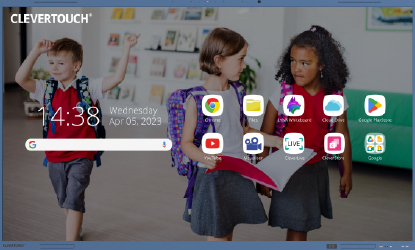


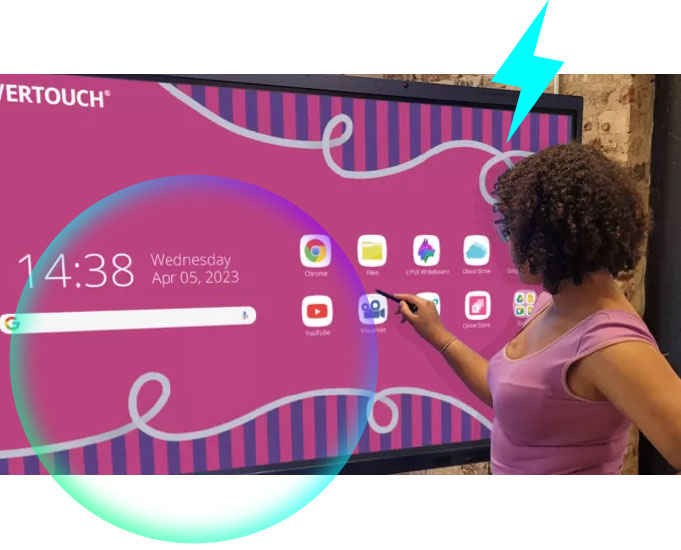
Make an impact in the classroom with the new IMPACT Lux, innovation for your world and winner of 'Best in Show' at the 2023 ISTE Conference.
IMPACT Lux is the first ever interactive classroom display to be Google Certified and features high-precision technology, LYNX Whiteboard, Cleverstore, CleverLive and CleverMDM all included with no subscription costs.
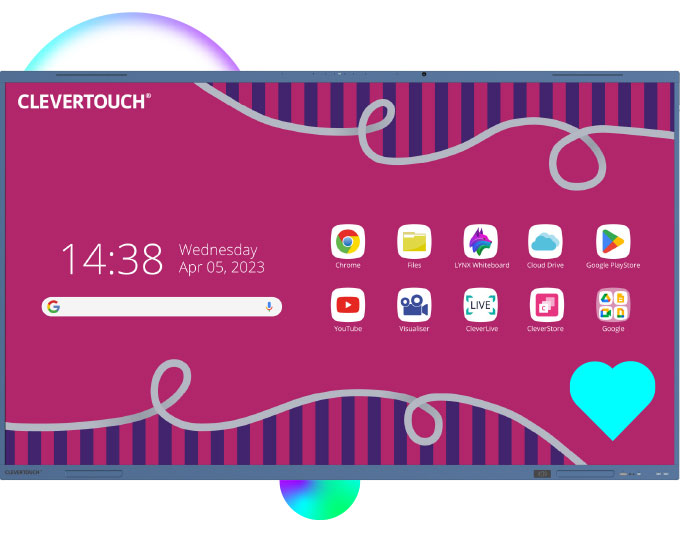
What's new?
The new IMPACT Lux comes with an array of cutting-edge features that set a new standard for interactive touchscreens.
The latest Android 13
operating system

More RAM, storage and WiFi
speed capability
Dual front-facing, bass
enhanced speakers

New USB-C functionality for
faster data transfer

Swipe your fob, card or device to
load your files on any screen

Google certified - enterprise device licence agreement

Improved overall touch accuracy, with palm rejection

Micro-antibacterial glass
and power button
IMPACT Lux by Clevertouch offers an impressive 50 touch points, allowing multiple users to interact with the display simultaneously. This feature promotes collaborative learning and encourages student engagement by enabling multiple students to work together on the screen at the same time.
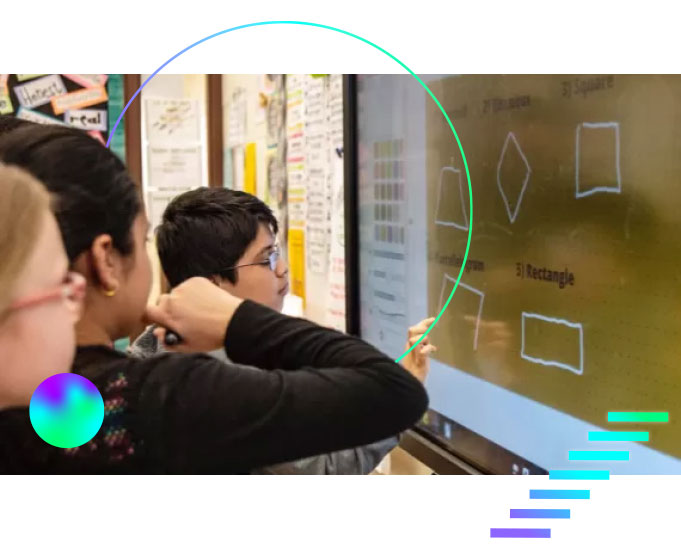
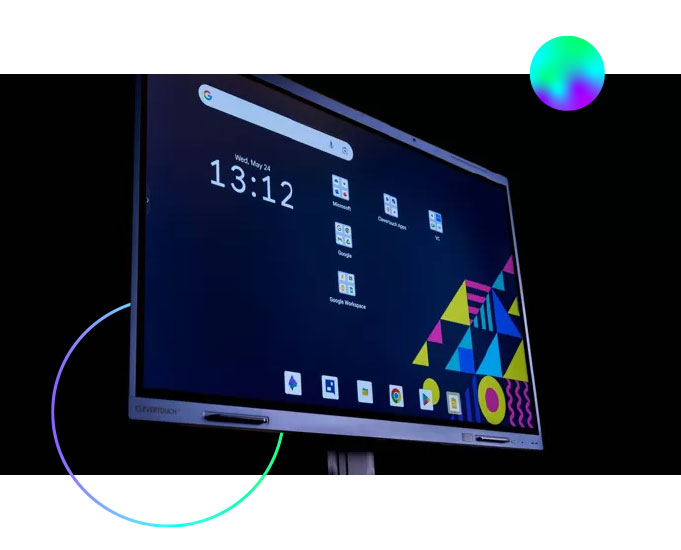
With the full Google Education Licence experience, your favourite Google apps are preloaded and available directly from your display. Seamlessly incorporate digital resources and tools into your lessons to make accessing, editing, sharing and collaborating easy.
One of the key features is palm rejection, which helps distinguish between intentional touch input, such as using a finger or stylus, and unintentional touch input, such as resting your palm on the screen while writing or drawing. This ensures that only deliberate touch gestures are recognised, preventing accidental interactions and improving the overall touch accuracy.